iPhone Mastery For Seniors
Help us create our new online course. Just for seniors. Enter your email and receive regular video lessons as we create them. Provide feedback, and help shape our first course for seniors.

Basic Course Outline
I've put together a very basic outline of what I think the course will include, but none of what you see below is currently set in stone. That's where you come in. After you enrol, you'll get each lesson via email where you can provide direct feedback and help shape the final product.
Lesson 1:
Getting Started with Your iPhone
Section 1: Introduction to the iPhone
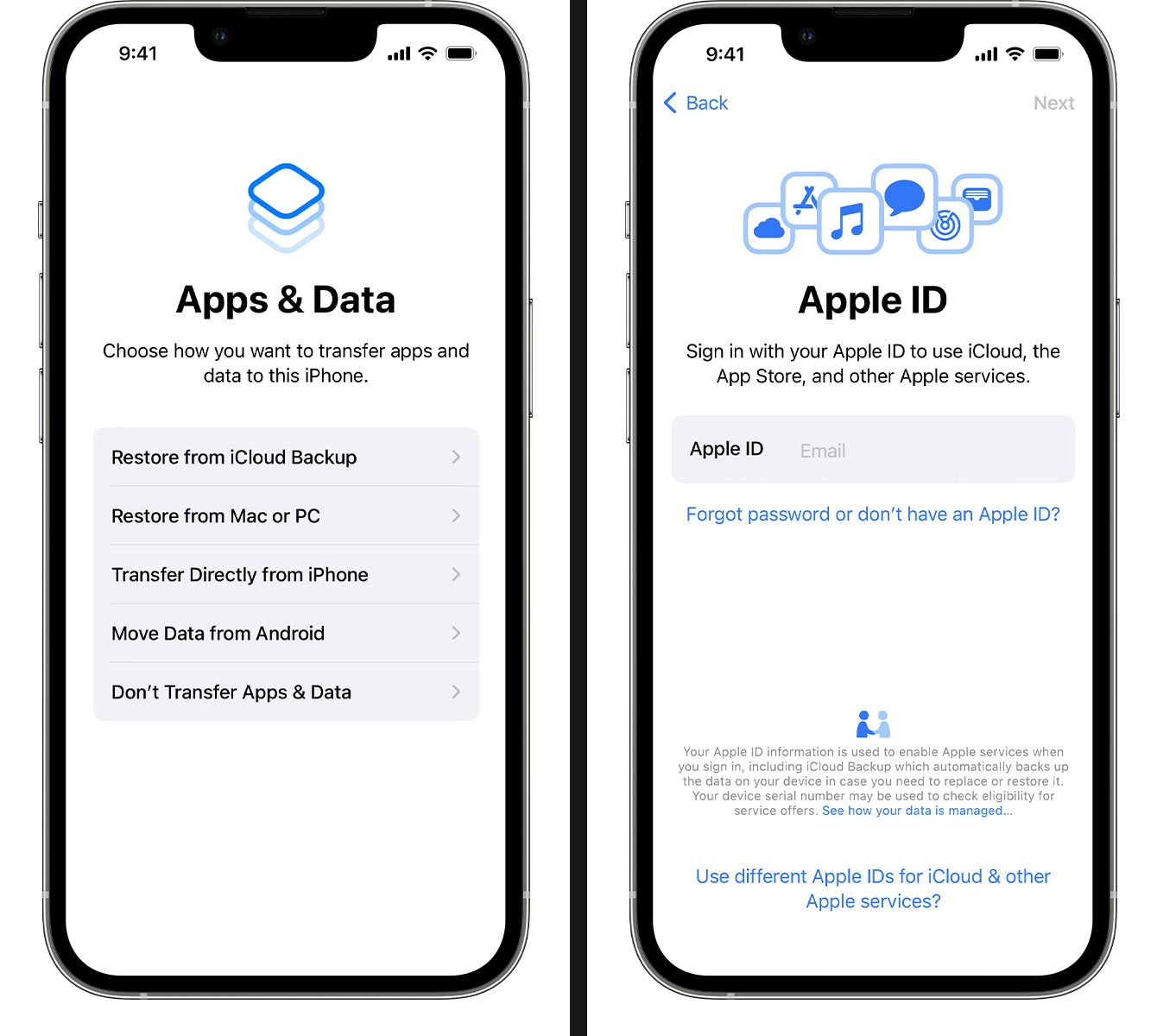
Section 2: Setting Up Your iPhone
Lesson 2:
Communication Basics
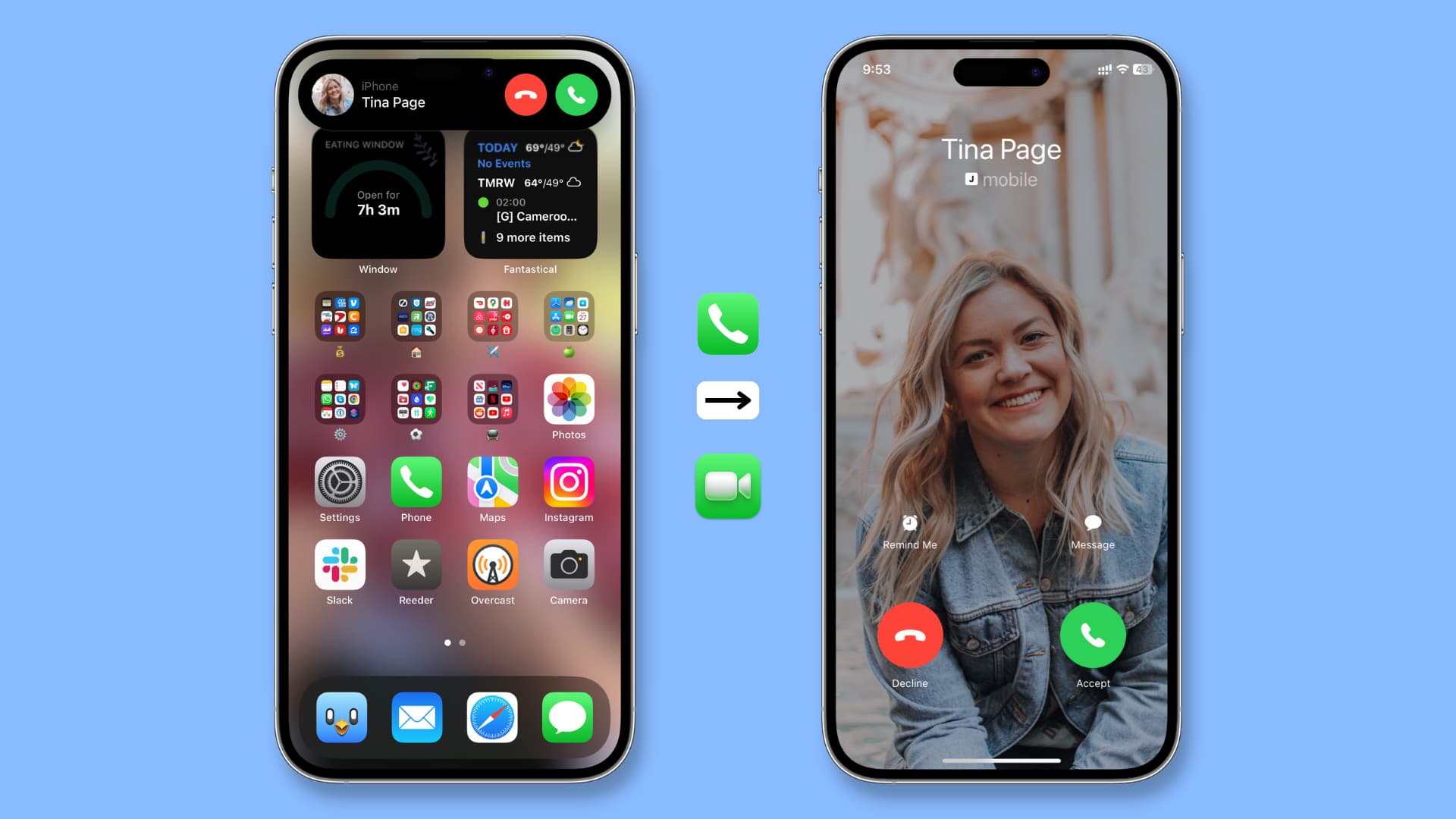
Section 3: Making Calls and Sending Messages
Section 4: Using Email
Lesson 3:
Exploring Apps and Features
Section 5: Essential Apps
Section 6: Staying Organized

Lesson 4:
Staying Safe and Connected
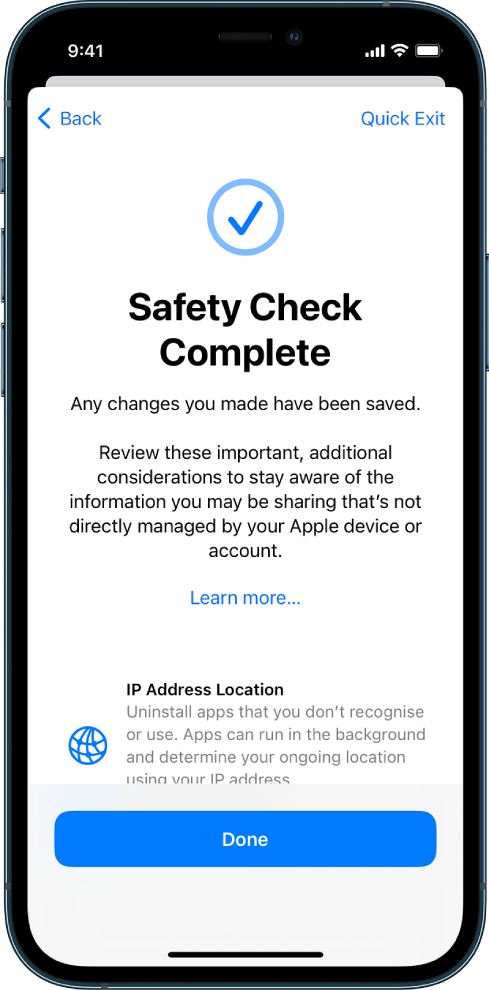
Section 7: Privacy and Security
Session 8: Staying Connected
ABOUT
Hey, I'm Luke 👋
I'm the author of the Savvy Seniors newsletter. I'll be your guide throughout the iPhone mastery course. A course just for seniors to better understand their iPhone.




Questions About The Course?
Don't worry, we got you. Here are some answers for your questions.
Who is this course for? 🤔
If you're a senior, or you struggle with technology, and you'd like help to successfully use your iPhone, this is the perfect course for you.
How is the course delivered? 🖥️
The course will be delivered through the use of video and written content. You can access it on any device, including your computer.
How long will the course be? ⏱️
Although we're still creating the course (with your help), I imagine it'll be somewhere between 1 to 2 hours in length. This will be broken down into small, easy to digest sections.
What's the course cost? 💵
Right now, if you enrol on this page, you will receive the entire course 100% free of charge. Once the course is released to the general public it will no longer be free.