LOOP LIKE A PRO
With my Scripted Looping Mini-course
A short but beautiful, drag and drop solution to dynamic, hands free, looping that you won't find anywhere else online!
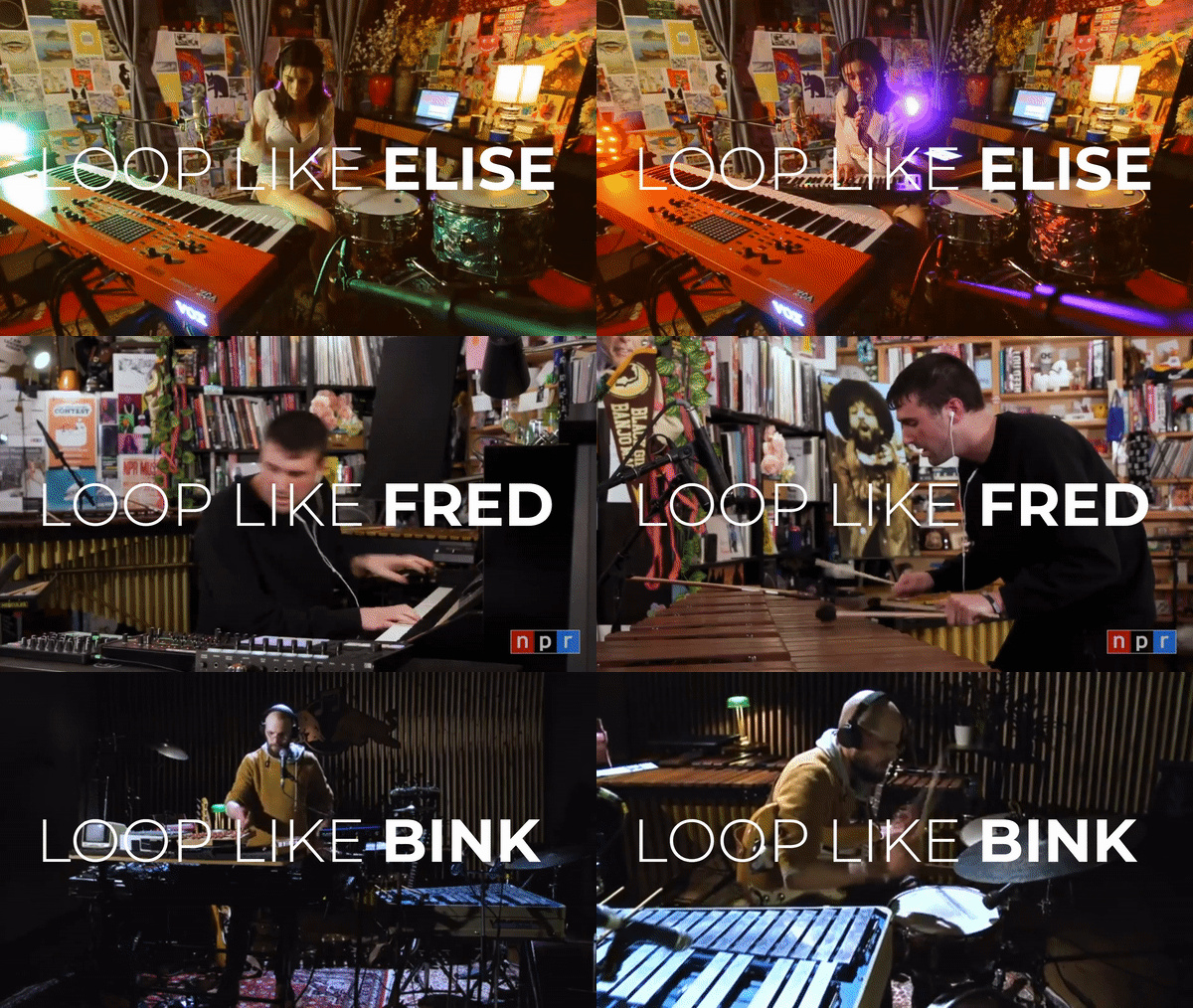
If you’ve ever wanted to create mesmerizing live looped performances you’ve probably seen artists like Fred Again, Elise Trouw, Frank Wienk (aka Bink Beats) and wondered how exactly they do it. You’ve followed all the tutorials online but found the whole process a bit confusing or tedious.
My SCRIPTED
LOOPING mini-course is just what you
need!
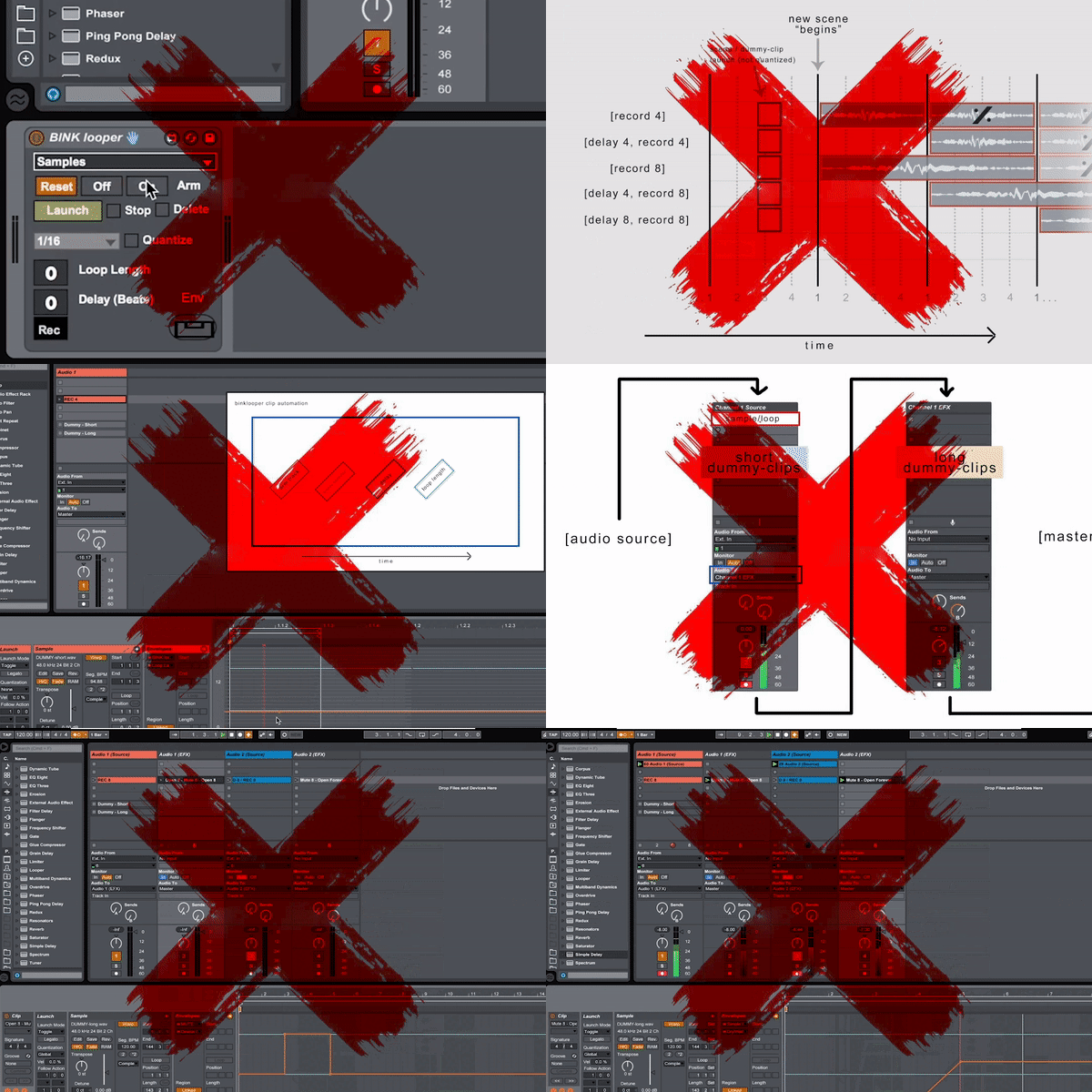
Although there are plenty of
looping tutorials online, things can get a bit fiddly as soon as you
try to pull off something more complex or go hands free. The ability
to automatically record a musical element, drop it out and then back
in again at a certain point without having to use any buttons or
triggers (aka ‘scripted looping’) can require a much deeper level of
understanding and take a lot of time to create
effectively.
I've spent a lot of time with every looping method out there
and have adapted my experience into this ‘drag and drop’ type process that helps
you stay in ‘flow’ and simply create.. even if you've never looped
before.
Along
with easy to follow step by step guidance, my Scripted Looping
Mini-course will give you everything you need to not only create unique
arrangements but to then easily turn them into dynamic, live looped performances,
without all the tricky setup and tweaking that might’ve held you back in the
past.
The
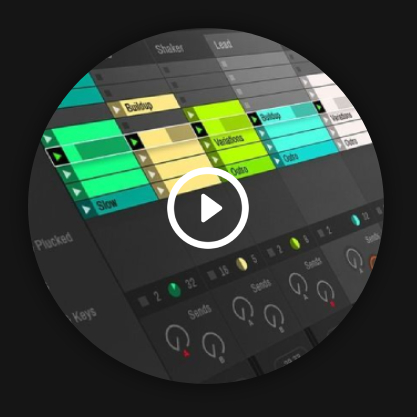
content you receive will be split into two parts. 1: An Ableton template with
everything setup and ready to go so you can simply start creating, for those who
just want to create without knowing too much about how or why it works and 2: A
more in depth tutorial section with pre-recorded examples and setups for you to
pull apart and understand at a deeper level.
If you'd like to speed up the process even further you can purchase my 1 Week Whatsapp Access bolt-on. This bolt-on gives you direct access to me via whatsapp (texts, voicenotes & screenshots) to help you iron out any issues with your set or to ask technical or creative questions that might be stopping you from looping like a pro!
WHAT 'S INCLUDED:
-
 My loop ready
custom template
My loop ready
custom template
-
Drag and drop
resource folder
-
Easy to follow
video and PDF tutorials
-
Bink Looper
device
-
5 example
templates to try yourself
-
A 100% money
back guarantee

As I know we've never met & the internet can be a scary place you'll also have my complete, no questions asked 100% money back guarantee, if for any reason you feel I don't provide the value I'm promising.
MEET YOUR TUTOR
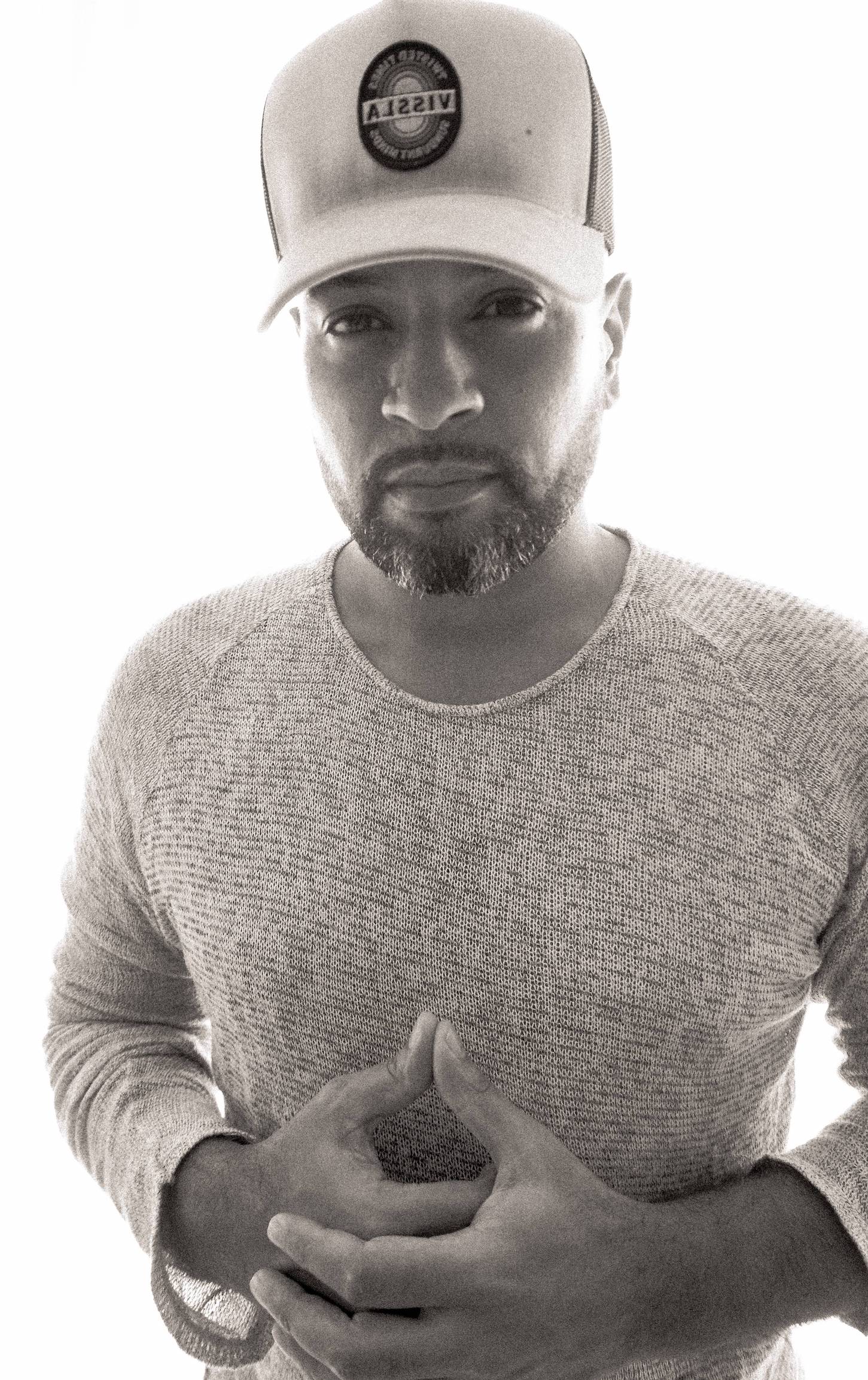
Hi, I'm Andy & I’ve been geeking out on Ableton since around 2009. My life as a musician began with my first guitar at 13, my first live band experience as bassist at 16 and although I've taken the odd detour to work in photo, video, design and marketing, music has always been my main thing.
I later studied a Recording Arts Degree at London's SAE which lead on to the more technical aspects of sound, from studio to live engineering at some of London's famous venues.
Although I trained on all DAWs, Ableton has been my staple, not only for its ability to facilitate quickly turning ideas into creative arrangements but also its infinite possibilities in terms of performance in general. It’s been something I’ve naturally ‘preached’ to friends whenever I’ve seen them face restrictions often found with other DAWs so I’m really happy to now be able to share my experience with you.
"I've simplified this all down into a template and I promise that even if you've never used Ableton before you'll be looping creative arrangements in less than an hour!"

As I know we've never met & the internet can be a scary place you'll also have my complete, no questions asked 100% money back guarantee, if for any reason you feel I don't provide the value I'm promising.
Check out my pre-launch early bird offers below if you're ready to add creative hands free scripted live looping to your live and social persona! If you have any questions about this template please feel free to drop me a DM on Insta: @andyherby
TESTIMONIALS
SO WHY THIS TEMPLATE OVER OTHER METHODS?
I’ve listed most of the currently existing looping techniques and their drawbacks below. The method I’ve adapted solves all these problems while simplifying and streamlining the creative process into a quick and easy drag and drop template.
Looping pedals: Pedal clicks can get recorded into the loop if recording anything using a mic. The click can also be easily heard by audience members in most small performance setups. Silent pedal options are available but you're still only able to control one thing per switch (so usually upto 6 before needing to change banks). A pedal board with multiple switches can still be quite expensive and most boards lack the customization you might need to suit adapt to future performances.
Abletons
'Looper': The
looper records ‘sound on sound’ meaning you can't separate the sounds once
they're recorded on top of each other, which isn't great if you need to pan or
add effects to one of the loops. Adding a looper to each track could become
processor intensive or just confusing especially after writing in any automation.
You'd also need to trigger the track 'arm' function on and off to avoid sound
bleed or spill which requires writing in via the IAC driver or
similar.
IAC driver: Currently still a very fiddly process. You assign a
midi note on the piano roll to 'every' trigger, its in and out points as well as
any track or effect automation. You also have to ensure to trigger elements
'before' the in & out points, which can get confusing very quickly. You don’t
have any reference of the arrangement as you're writing notes into the piano roll
so you simply need to keep track of where you are in the song which can quickly
become a science project especially if your tracks starts to move into the 2-3
minute mark or longer.
Bink
Looper (without this template): While this temethodmplate uses the bink looper, it's
a very intensive process setting up the channels correctly and then understanding
where and when to draw in the 5 automation elements that trigger the device. It
can become as complicated as using the IAC driver.
Ableton Push: This is a great method if your hands are free
throughout your performance to trigger different aspects however it doesn't solve
any problems when it comes to hands free 'scripted' looping. You 'can' set the
'fixed length' but changing this mid song isn't easy or reliable, requiring a
button modifier hold for a second or two while selecting the new desired
length.
ClyphX: Although
this gives you extensive control over Ableton it's definitely a more advanced
method which still requires a manual to understand and use
correctly.
In conclusion.
If you're ready to eliminate all the blockages between you and your dream looped performance then this template and mini-course is for you. Claim your early bird discount below today and start looping like a pro!...
PRE LAUNCH EARLYBIRD OFFER
**Purchase my pre launch today for a super low introductory price!**
Mini-course available 7th Sept. Loop Like a Pro, 15th Sept.

As a thank you for being a part of my pre-launch I’m very happy to offer this
mini-course to you at the discounted rate of $79 (soon to be
$159).
If you don't own Ableton Suite or would like to go more in depth into looping you can purchase my LOOP LIKE A PRO masterclass, which will cover all aspects of looping from single push pedals to more complex midi triggering. You'll also have direct input into the content during the creation process making it something super personalized while helping me create the best version of this course possible!
If you purchase my LOOP LIKE A PRO masterclass today, you'll
also get my SCRIPTED
LOOPING MINI-COURSE, 1 weeks
WHATSAPP ACCESS
BOLT-ON as well as a 30% OFF DISCOUNT VOUCHER for any
future courses, services, performances or offers I create.
Both courses will be split into sections. One section for those who want to understand how and why things work and another for those who simply want to create, meaning you don't have to scan through hours of footage before being able to begin.
Please feel free to message me on Insta @andyherby if you have any questions about the course.
I look forward to looping with you!
Andy
My Scripted Looping Mini-course requires Ableton Suite since it uses a Max For Live device. My Loop Like A Pro masterclass however, contains modules suited for every version of Ableton. If you're part of my earlybird access I'll even work with you to customize the course to fit exactly your needs so it's not full of useless information you'll never use.
The absolute basics would be midi instrument of some kind plugged into your laptop, however for the best effect and use I advise you have a sound card, mic, acoustic instrument of any kind and a shaker.
You can send as many messages as you like! However I'll only respond when I can but will attempt to do so as quickly as a can! (which usually means a matter of hours but sometimes up to 24hrs because...life, as I'm sure you'll understand).
I grab your email during the checkout process so I'll keep you updated. I might also be in touch with a few questions to help me personalize or improve the course or template. Nothing spammy and I'll never sell your information on to a third party of any kind, nobody likes that.
Full credit for this amazing device goes to Frank Wienk (aka Bink Beats @binkbeats) - Please check his content out online and if you can, consider donating a little for his work. Credits and thanks also to Connor Shafran @connorshafran for his in depth tutorial on the Bink Looper.
This template uses a few already existing devices and setups - Full credit is given within the course, along with links and performance examples of each creator.
