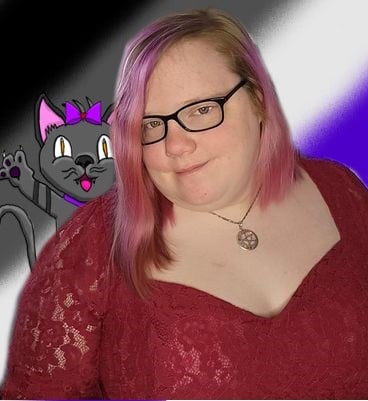
Hey, I'm Crystal
I'm a paranormal fantasy author. When I'm not writing I'm usually playing World of Warcraft or watching Forever Knight or Loki for the millionth time. I also have a YouTube channel where I talk about writing, play games or just engage in levels of chaos!



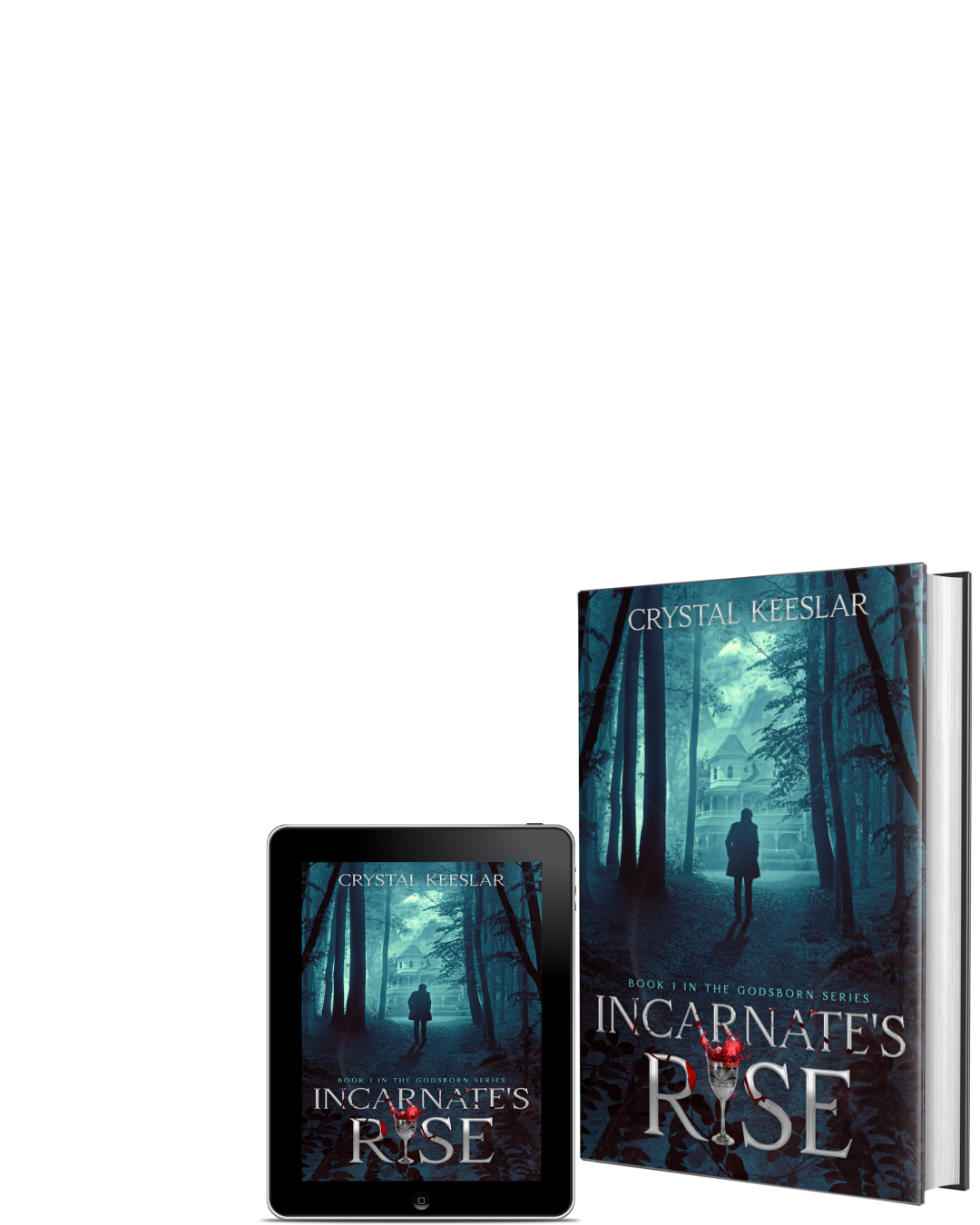
Preorder Now
Join the Chaos!
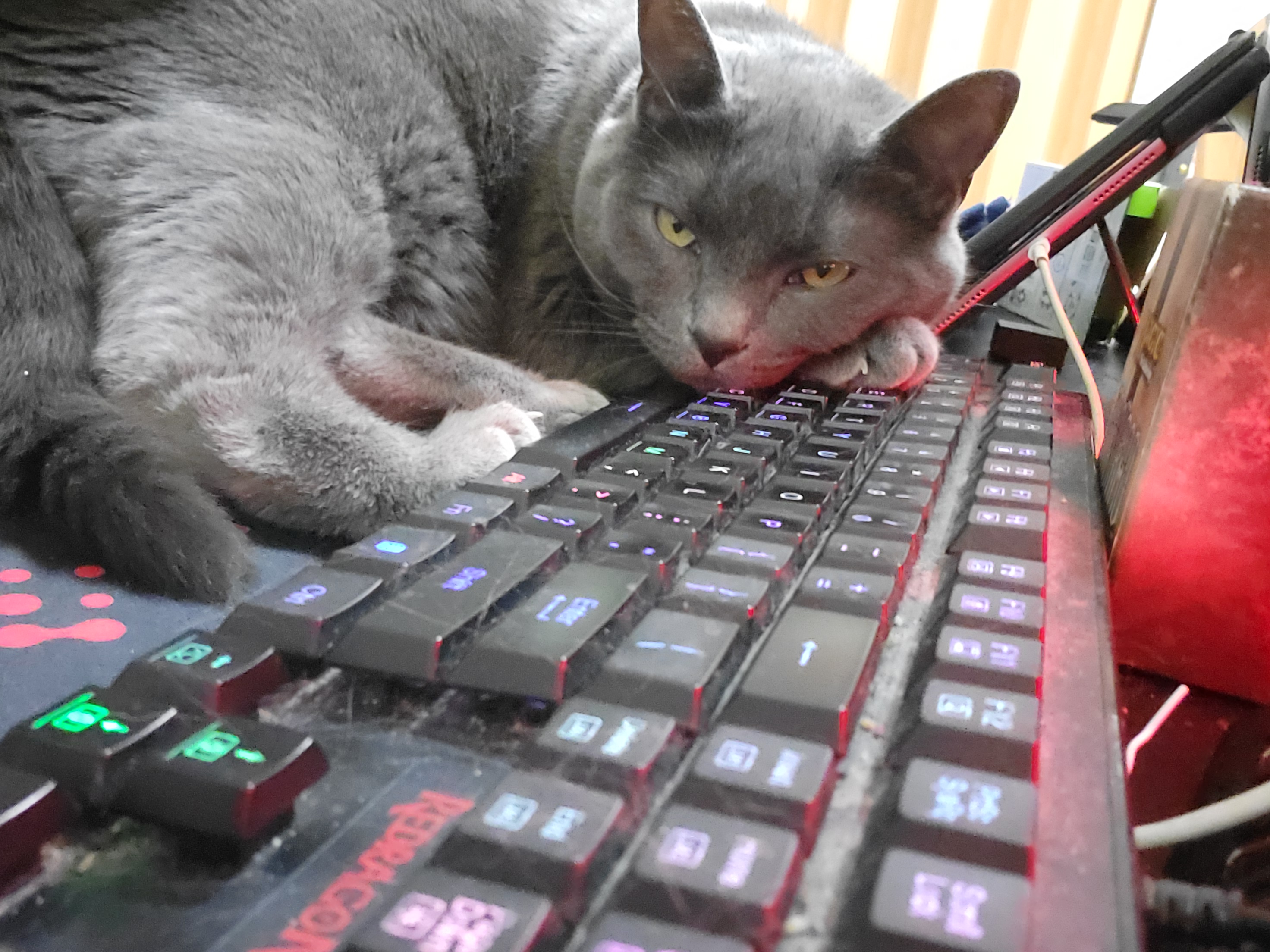
Subscribe to my newsletter where you will receive monthly(ish) updates, behind the scenes antics, short character vinettes, and pictures of Azurite the Archfey. 🐾
Important Note: Don't forget to Whitelist my email Address. You can do so By Adding to it to contacts, or by creating a filter.
Here's how to create a filter:
Gmail: Go to Settings (gear icon) > See all settings > Filters and Blocked Addresses > Create a new filter. Enter the [email protected] "From" field, click "Create filter," and then select "Never send it to Spam".
Outlook.com: Go to Settings > Mail > Junk email > Safe senders and domains. Click "+ Add safe sender" and enter [email protected]
Yahoo: Sign in to your account and find the option to add the sender to your safe senders list, often under settings or by right-clicking the [email protected] in an email.
© 2025 Crystal Keeslar @ Tenacious Ace Publishing. All rights reserved.
