Unlock Your Creative Potential with Photoshop in a Weekend
Master Photoshop basics, design social media graphics, edit photos, & more.
A beginner-friendly course to help you master Photoshop essentials quickly. Create designs, edit photos like a pro, and more.
Get the course at a launch price special at $47 ($97)

Craft captivating designs
Boost your creative skills & confidence
WHO'S TEACHING THIS COURSE?
Hi, I'm Diane Pascual
I'm a designer, illustrator, and Photoshop educator with 20+ years of experience.
I've created work for Adobe, been invited to speak at their event, and have taught students at colleges.
🎮 Take a Peek Inside the Course Platform
Learning Photoshop has never been this fun.
In this quick video, I’ll walk you through the MemberVault course experience—where you’ll access all your lessons, downloads, and bonus content.
💡 One of the best parts? MemberVault uses gamification—so as you progress through the course, you unlock new content and track your milestones. It’s a fun, motivating way to stay engaged while you build real skills.
▶️ Hit play and see exactly what you’ll get access to the moment you enroll.
What is Photoshop in a Weekend?
Unlock Your Creativity in Just
One Weekend
Whether you're a content creator, aspiring designer, or creative entrepreneur—this course will teach you how to use Photoshop quickly, creatively, and with confidence.
In just one weekend, you'll move from confused beginner to someone who can create real-world design projects like flyers, patterns, mock-ups, and more—with ease.
+Connect with other students in our Community Portal!
Course Curriculum
Start Here Module:
Welcome & Platform Setup
Module 1: Intro to Photoshop & Navigating the UI
Module 2: Creating and Managing Documents
Module 3: Working with Layers
Module 4: Basic Image Editing Techniques
Module 5: Working with Text and Typography
Module 6: Using Filters and Effects
Module 7: Working with Artboards
Module 8: Mastering the Pen Tool & Paths
Module 9: Mastering Brushes
Module 10: Raster Layers and Smart Objects
Module 11: Saving and Exporting Files
Module 12: Other Photoshop Tools
BONUS Projects:
Business Card
Instagram Carousel
Postcard & Mockup
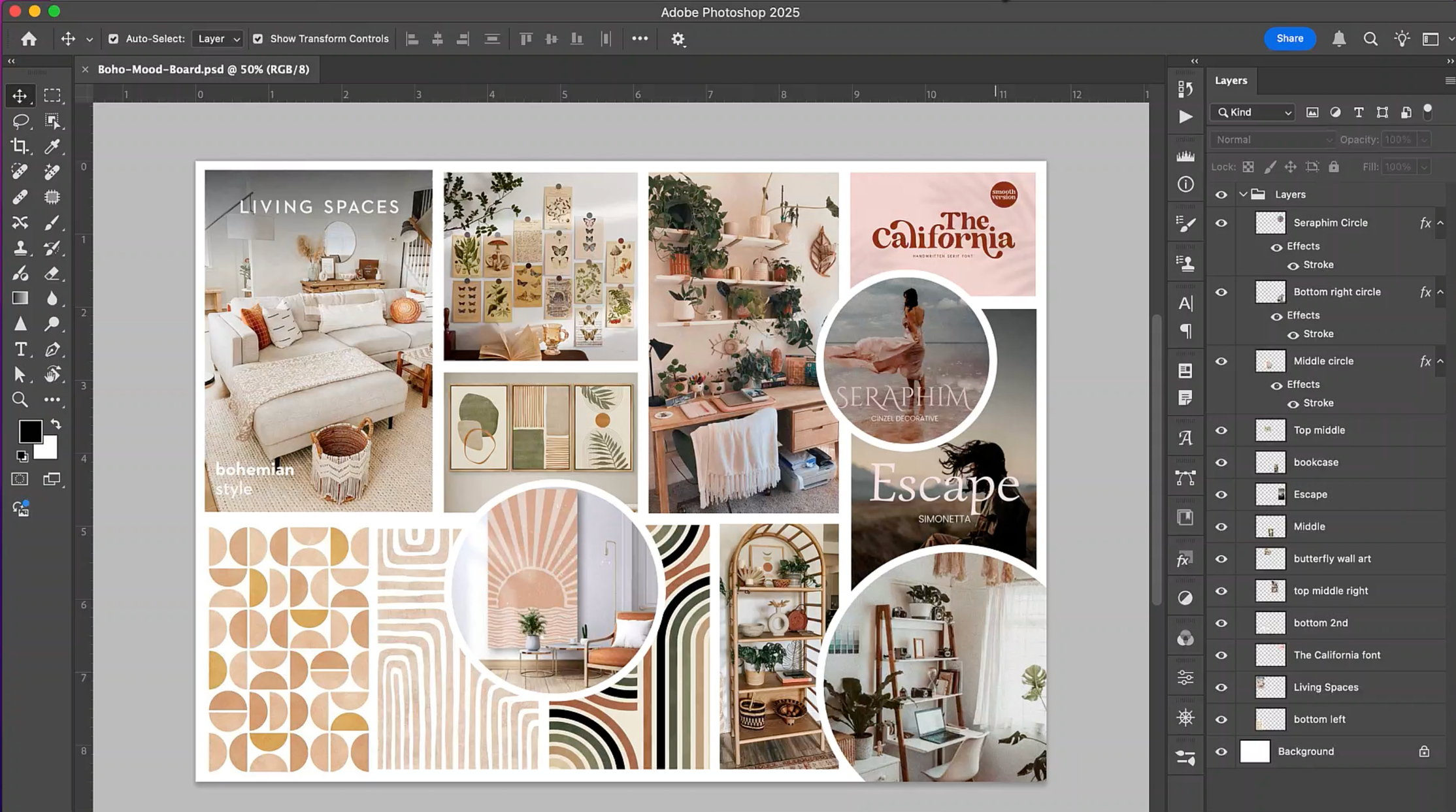
Mood Board
Book Cover with AI
YouTube Thumbnail
Extras:
Photoshop Beginner Knowledge Articles
What You’ll Be Able to Do After This Weekend
By the end of this course, you’ll walk away with real, practical skills — not just theory.
✨ Confidently edit and enhance your own photos without second-guessing.
✨ Design polished social media graphics, flyers, and mood boards that look professional.
✨ Save time by understanding the exact Photoshop tools you need (and ignoring the rest).
✨ Feel empowered and creative instead of overwhelmed every time you open Photoshop.
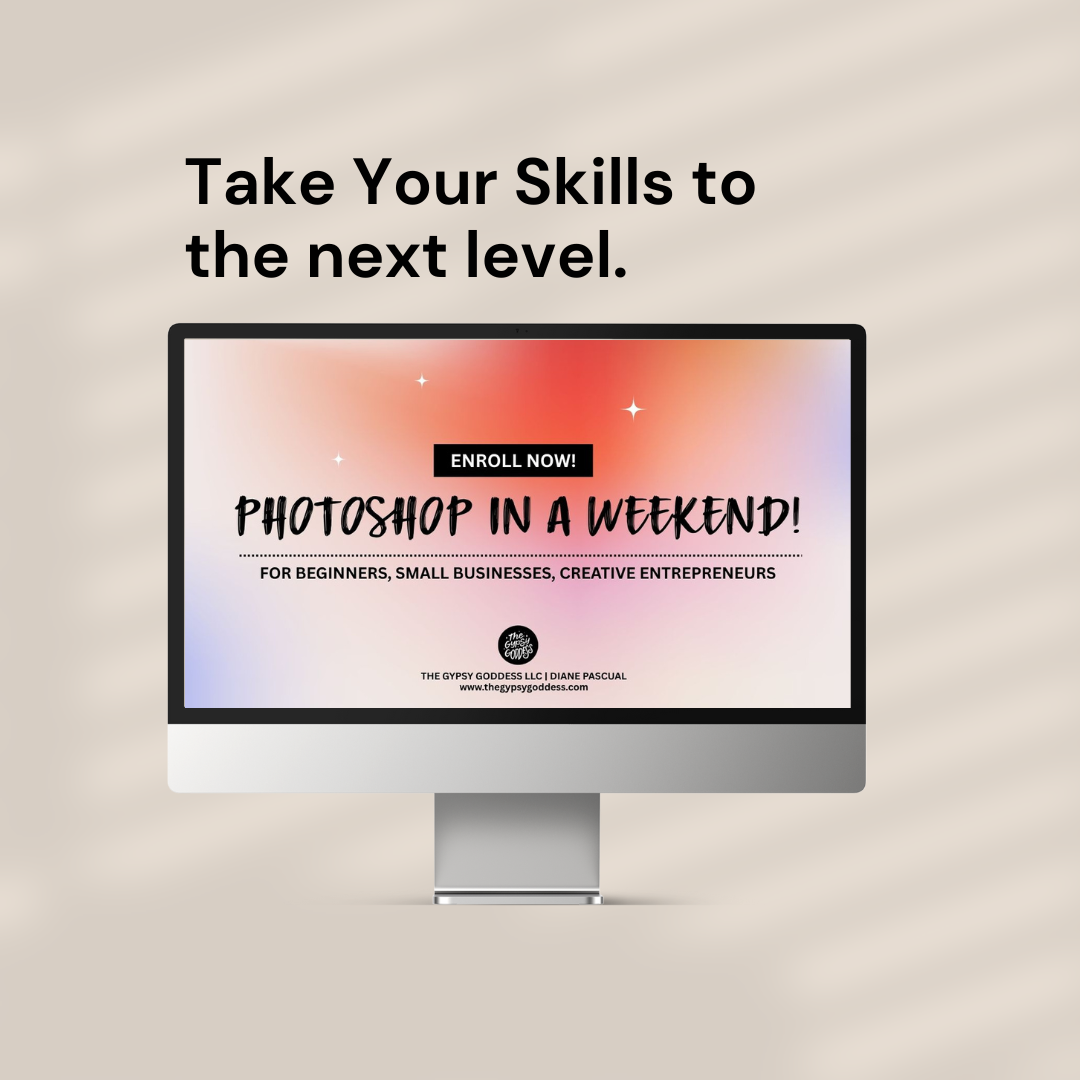
🚀 Ready to Learn Photoshop (Fast)?
Unlock your creative potential with a simple, beginner-friendly course designed to help you master Photoshop in just one weekend.
Frequently Asked Questions
Can I complete the course at my own pace? Is this course suitable for complete beginners? Find the answers to common questions.
Still have questions? Email [email protected]
The course is designed to be completed over a single weekend, allowing you to grasp core concepts quickly. Depends on how quickly you learn! You can be designing in a few hours, after the first day or in a couple of days, or in a week! You choose the speed at which you learn.
No, this course is perfect for beginners looking to learn Photoshop in a clear and structured way. I share and show you step by step on how to easily master steps so that you can start creating right away!
You'll receive step-by-step lessons, downloadable files, and access to our exclusive creative community.
Yes, we update our course content to reflect the latest industry trends and tools.
Yes you have forever access to the video lessons forever and to the private community forum where you can seek help from other students and peers. But also a way to get feedback on your work.
Absolutely! You can access the course on your computer, tablet, or smartphone for convenience.
I wanted to keep Photoshop in a Weekend as affordable as possible, which means hands-on help and 1:1 support isn’t included. You're welcome to email me for questions.
Because this is a digital course with instant access to all lessons and downloads, all sales are final. However, I want you to feel confident in your purchase — if you have any issues accessing the course or need help, just reach out to me.