Turn your artwork to professional, licensable pattern collections.
Why this Course?
Surface design is everywhere—on fabrics, wallpapers, stationery, tech accessories, and beyond. But creating professional-quality seamless patterns and collections requires more than just Photoshop basics.
This course goes far deeper than beginner tutorials. You’ll learn the industry-standard workflows surface designers use to create artwork ready for print, licensing, and collaboration with major brands.
Whether your goal is to build a portfolio, start licensing your designs, or expand your creative business, this course is designed to get you there.
Discounted price $397 ($997)
What You'll Learn:
By the end of this course, you’ll:

Create seamless repeating patterns from sketches, paintings, and digital art
Use advanced Photoshop tools (layers, masks, selections, brushes, smart objects) with confidence
Add textures, effects, and AI-driven enhancements to make your work stand out
Build mock ups and pitch decks to showcase your designs professionally
Put together a surface design portfolio ready for licensing opportunities
Navigate the world of pitching, networking, and growth as a designer
About Me - Diane

Hi, I’m Diane Pascual—a designer, illustrator, and educator with 18+ years of hands-on experience using Photoshop across industries like animation, publishing, tech, and freelance design. I’ve built a career out of mastering Photoshop, from creating digital tie-dye patterns licensed by global brands, to working as an Art Director at Salesforce Trailhead, to teaching hundreds of design students at the Academy of Art University and beyond.
Photoshop has been at the core of my creative journey: it’s the tool I’ve used to land freelance clients, collaborate with studios, and generate passive income through digital products. I know the challenges of going from beginner to advanced, and I’ve broken down my workflow into a process that’s easy to follow and packed with practical tips.
Why Learn from Me – Diane Pascual
I don’t just know Photoshop—I’ve lived it. Over the past two decades I’ve:
Worked with major companies (Salesforce, Hasbro Studios, Shein, Adobe, and many more!) and on projects that demanded advanced Photoshop mastery.
Taught students through online courses, universities, and creative communities.
Built a successful design business by leveraging Photoshop skills into multiple income streams: freelance projects, licensing deals, and digital product sales.
Specialized in advanced techniques that push Photoshop beyond the basics—perfect for creatives who want to elevate their skills for professional opportunities or personal projects.
If you’re ready to stop dabbling and start creating like a pro, you’re in the right place. I’ll guide you step by step, showing you the exact methods I’ve used to build a sustainable career and a body of work I’m proud of.
What You Get
12 Core Modules covering every step from Photoshop mastery → portfolio-ready collections.
Bonus Material: Procreate → Photoshop workflows, vector artwork patterning, and advanced AI-driven textures
Project-based learning: create your own seamless patterns, mock ups, and portfolio pieces
Student Resources: worksheets, practice files, mock ups, and templates
Who This is For
This course is perfect for you if:
You already know Photoshop basics (layers, brushes, selections)
You want to transition from hobbyist → professional surface designer
You’re ready to license your work, pitch to brands, or create product-ready artwork
If you’re brand new to Photoshop, I recommend starting with Photoshop in a Weekend first.
Course Curriculum
What's Inside
Getting Started – Setup, resources, and goal-setting
Module 1: Introduction to Surface Pattern Design – History, categories, compositions, mood boards
Module 2: Photoshop Essentials – Interface, tools, navigation
Module 3: Layers & Masks – Advanced editing workflows
Module 4: Selection Techniques – Mastering selections for clean designs
Module 5: Image Editing – Clone stamp, filters, retouching
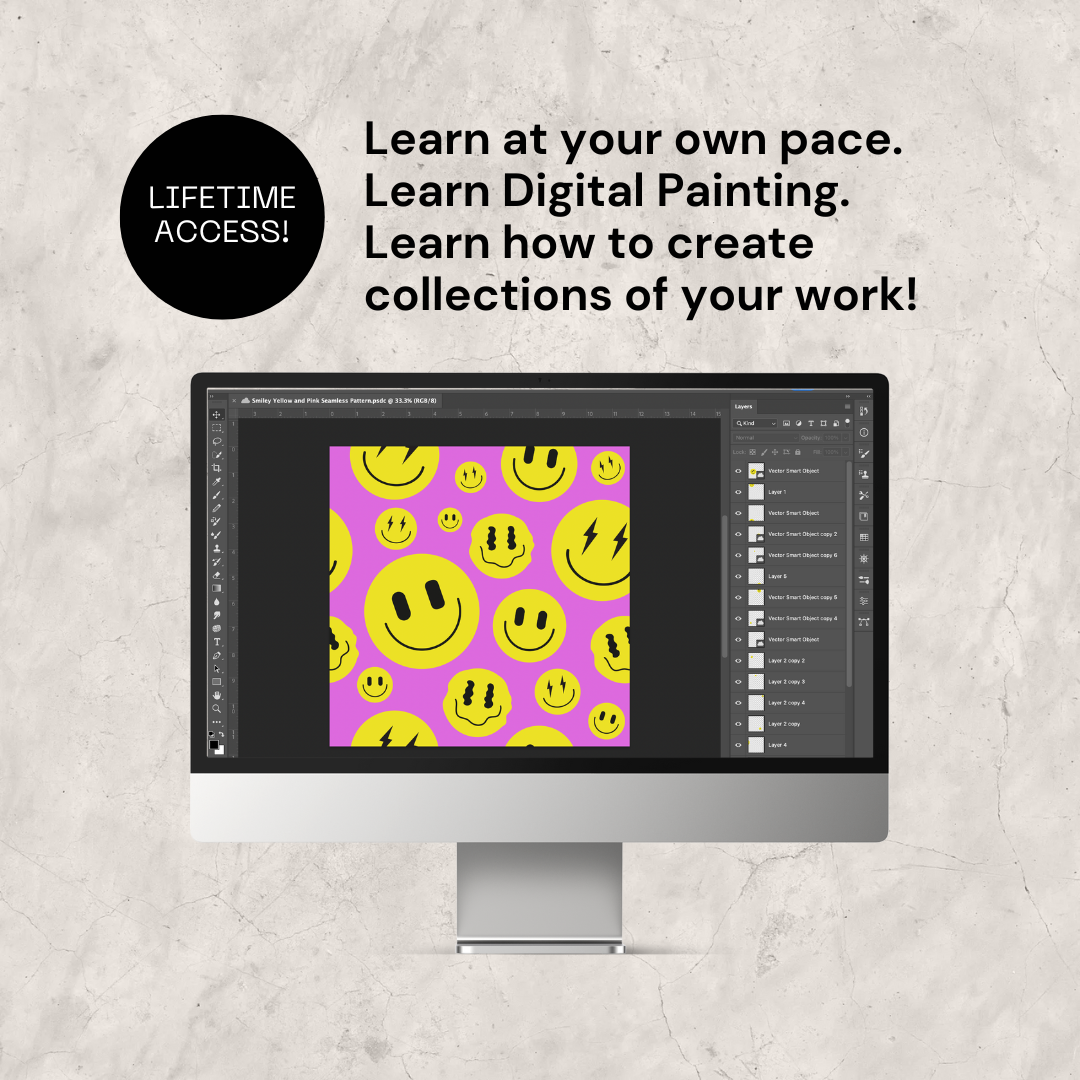
Module 6: Digital Painting & Seamless Patterns – Painting, offset method, client walkthrough
Module 7: Advanced Color Manipulation – Palettes, harmonization, pro-level adjustments
Module 8: Textures & Effects – Adding depth, styles, and layers
Module 9: Refining & Perfecting – AI integration, ethical use, exporting patterns
Module 10: Mockups in Photoshop – Creating, sourcing, and using mockups
Module 11: Portfolio Creation – Pitch decks, printed books, layouts
Module 12: Continuing Growth – Licensing, pitching, networking
Bonus Modules:
- Sketch-to-Pattern workflows (Procreate → Photoshop)
- Vector → Seamless Patterns in Photoshop
- Mini-course: AI-enhanced textures & patterns (with Adobe Firefly)
🚀 If you're ready to up-level your design
skills, ENROLL into the Advanced
Photoshop course!
Ready to Take the Next Step?
Don’t wait another year feeling stuck or unsure where to start. Enroll today and unlock the tools, confidence, and creative freedom you’ve been craving.
✅ Avoid Settling For Basic Designs
Elevate your design game by investing time and effort into learning advanced Photoshop techniques.
✅ Understand Pattern Repeats & Seamless Designs
Learn the basic foundations of creating a seamless pattern in Photoshop
✅ Learn How To Create Visually Stunning Patterns
Attract potential buyers with marketable patterns that capture attention and evoke emotions.
✅ Understand Why Learning Advanced Photoshop is crucial to your success as an artist and designer
By mastering these skills, you’ll transform from simply “using Photoshop” to confidently creating professional-level designs that set you apart.
Discounted price $397 ($997)
Add your email and go to the checkout page:
Frequently Asked Questions
Can I complete the course at my own pace? Is this course suitable for complete beginners? Find the answers to common questions.
Still have questions? Email [email protected]
Yes — this is an advanced course. You should already be comfortable with the basics like layers, brushes, masks, and selections. If you feel rusty, I include a quick refresher section to get you back on track. If you're looking for something a little bit more beginner level, Check out my Photoshop in a Weekend Course instead.
Yes. Beyond Photoshop techniques, I’ll share how to prepare your portfolio, pitch your designs, and find licensing opportunities so you can turn your skills into income. That said, I cannot guarantee results — success will depend on the effort you put in and how well you develop and present your own work.
You’ll have lifetime access to the lessons, updates, and bonus materials. You can revisit modules anytime and learn at your own pace.
Yes you have forever access to the course and to the private community forum where you can seek help from other students and peers. But also a way to get feedback on your work. You'll also get free automatic updates as we evolve the course.
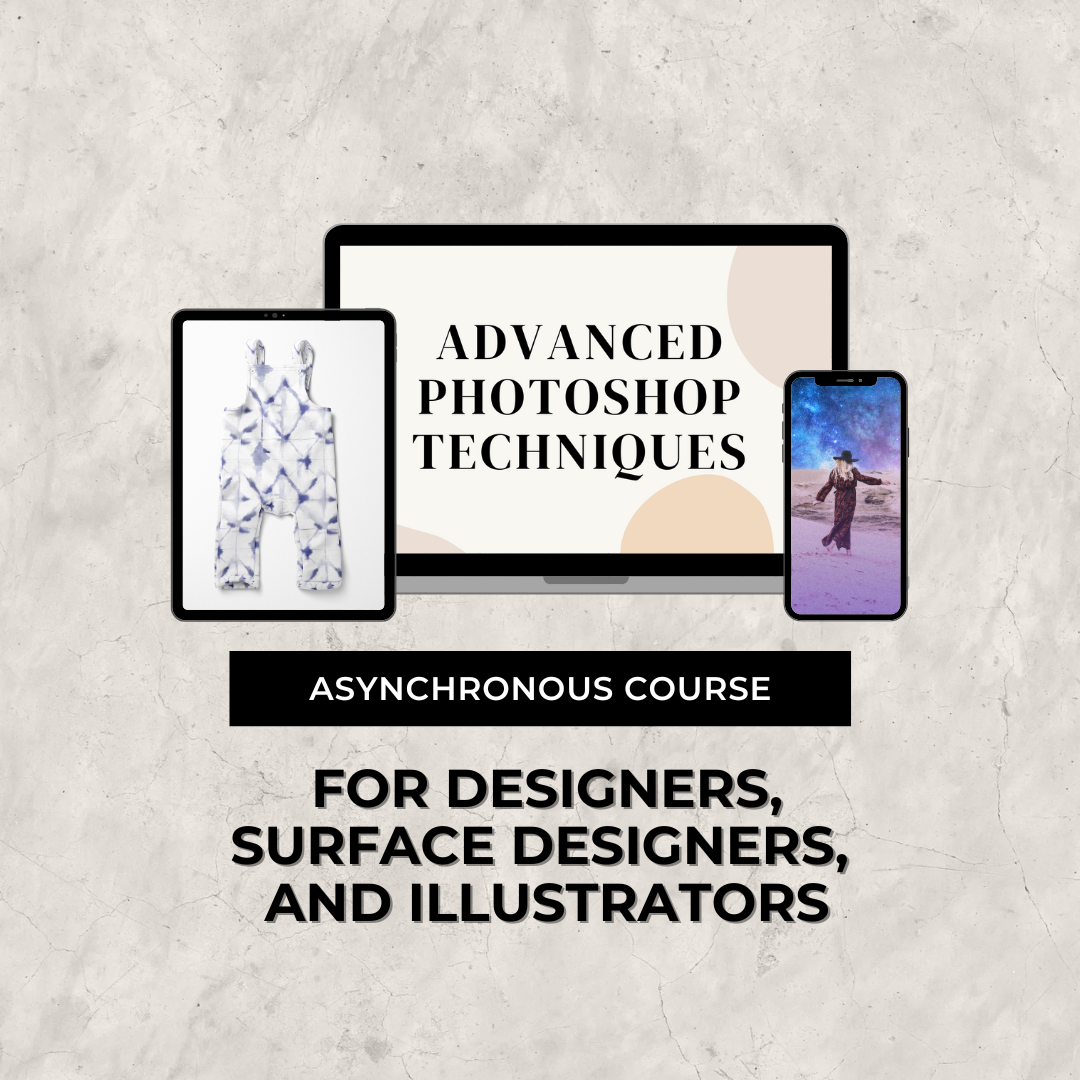
Absolutely! You can access the course on your computer, tablet, or smartphone for convenience.
I wanted to keep Advanced Photoshop as affordable as possible, which means hands-on help and 1:1 support isn’t included. You're welcome to email me for questions. You also have a community portal to engage with for feedback. There will be a live cohort experience in the near future. Stay tuned for that.
All sales made are final. Due to the digital nature of this product and the low price, I don't offer any refunds.